Paid pilots are open
Where your team's chat becomes finished work.
Channels and issues live in one app, and a QA gate sits between them and release. Nothing moves to merging until someone has tested it and left the proof.

Piloting with teams at
- Zirro
- Skipp
- Weddn
- Peiges
- Towr
- and more
No. 1
Decisions don't get lost in a thread.
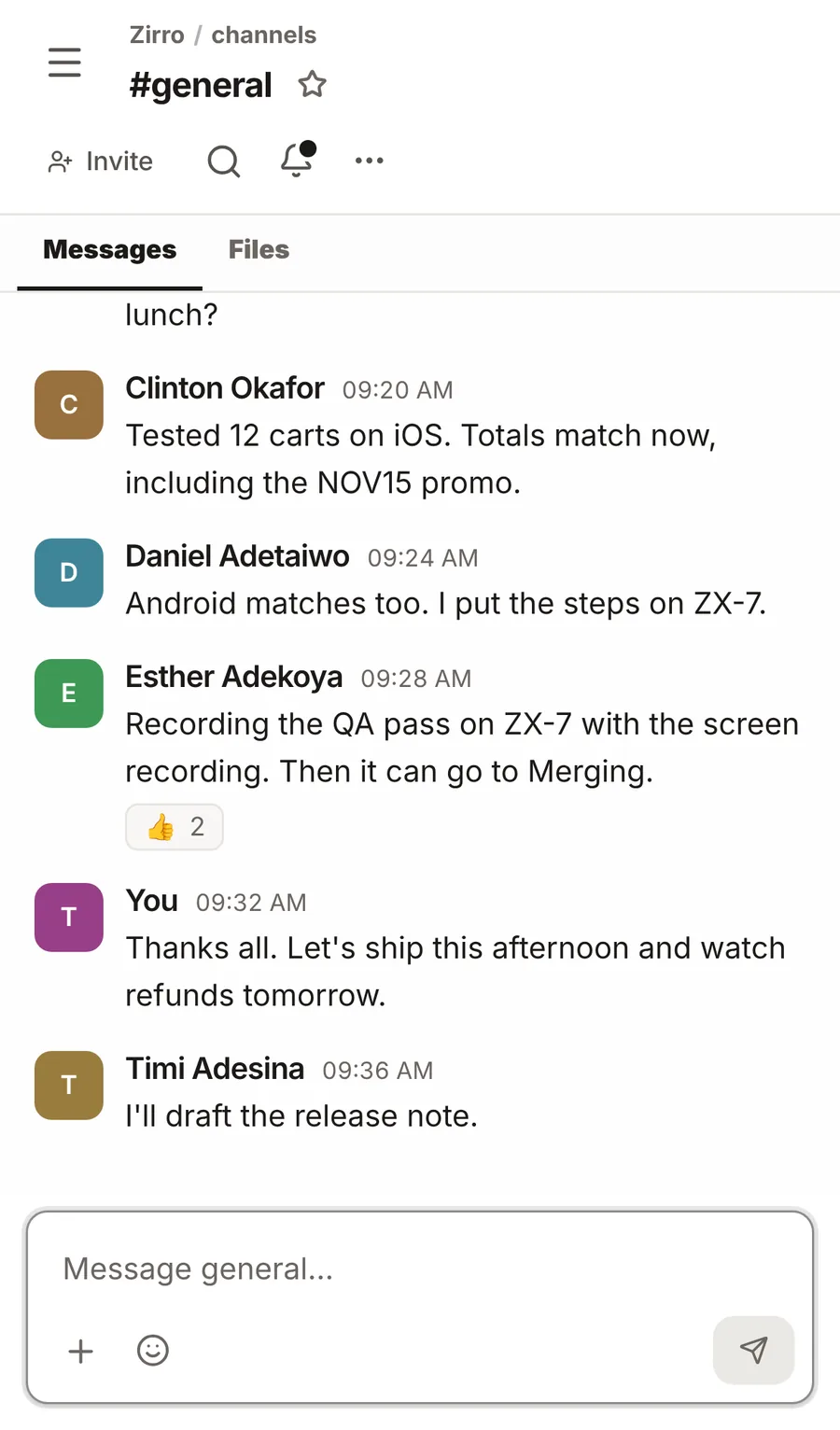
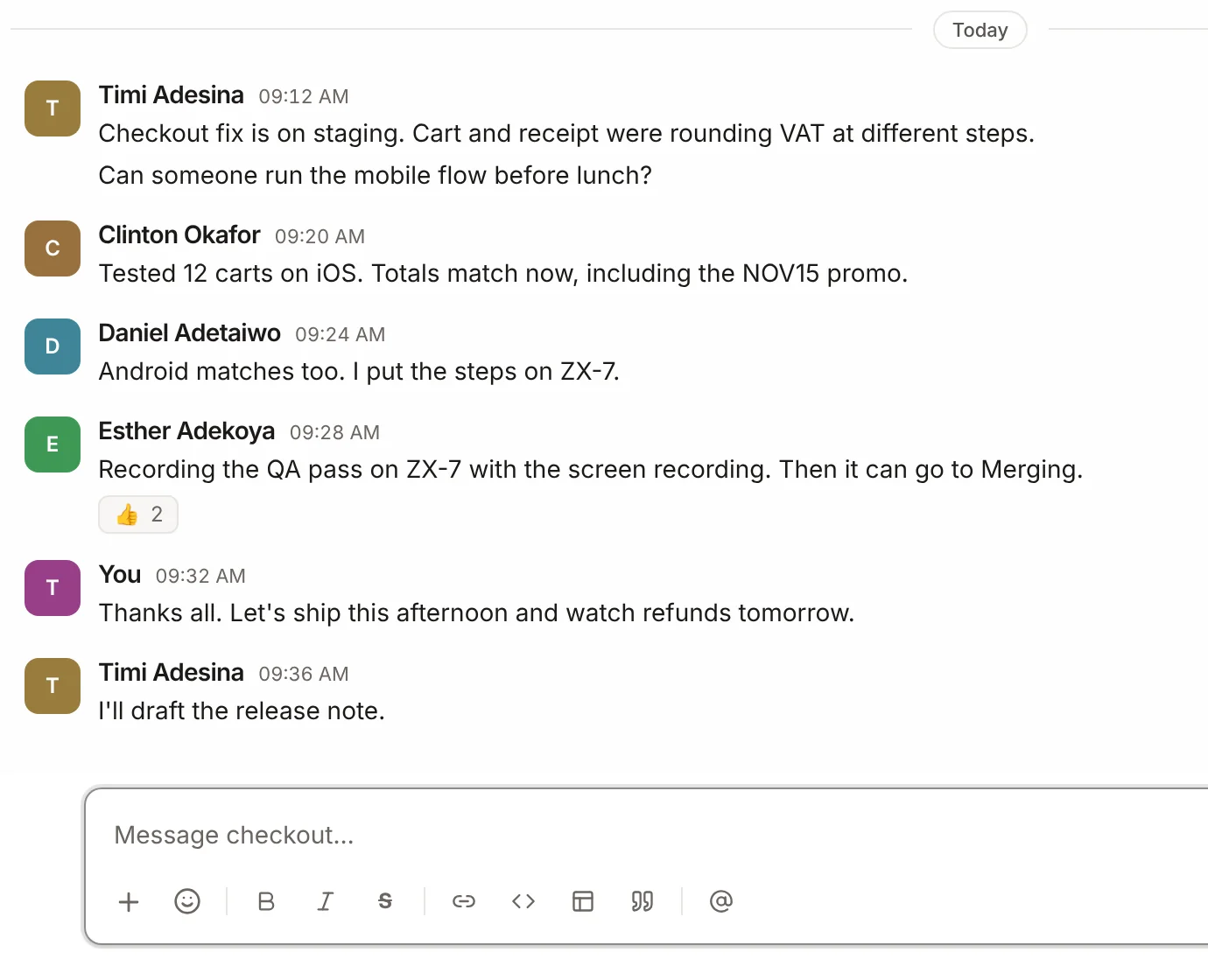
The conversation and the work sit side by side. When a message turns into a task, it becomes an issue with the context attached, and the people who talked it through can keep talking on the issue itself.
- Turn any message into an issue without retyping it
- Every issue has a Discuss thread for the back and forth
- Channels, direct messages, threads, mentions and calls
No. 2
A test on record before anything merges.
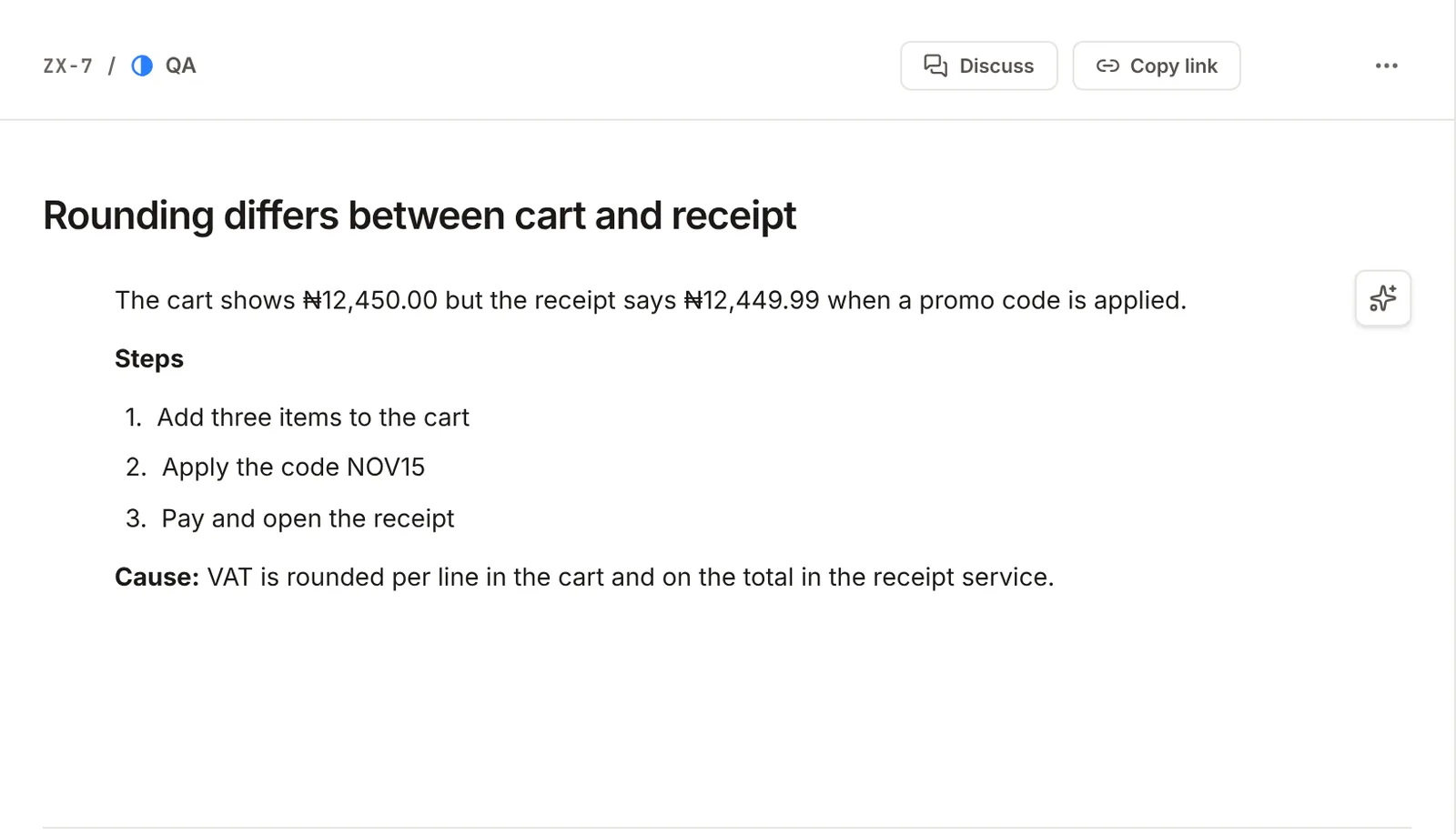
When an issue reaches QA, a tester records a pass or a fail. A pass unlocks Merging. A fail needs a note, and sends the issue back with the reason attached, so nobody has to ask what went wrong.
- Backlog, then
- To do, then
- In progress, then
- QA, then
- Merging, then
- Done
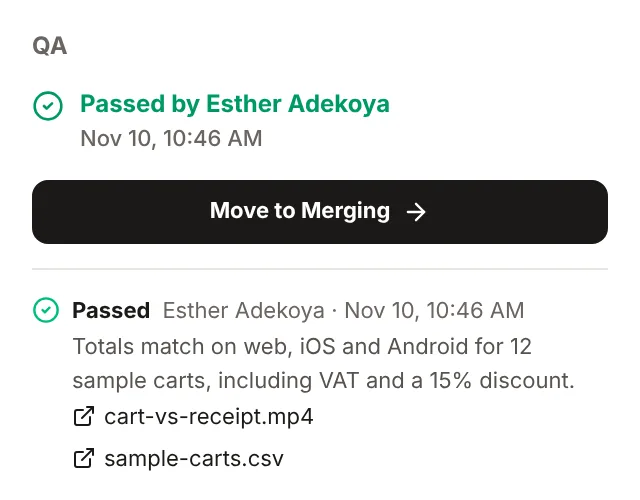
- Who tested
- The pass or fail is signed by the person who ran it.
- When
- Each result is timestamped, and every attempt stays in the history.
- The proof
- Notes, screenshots, recordings and files sit on the issue.
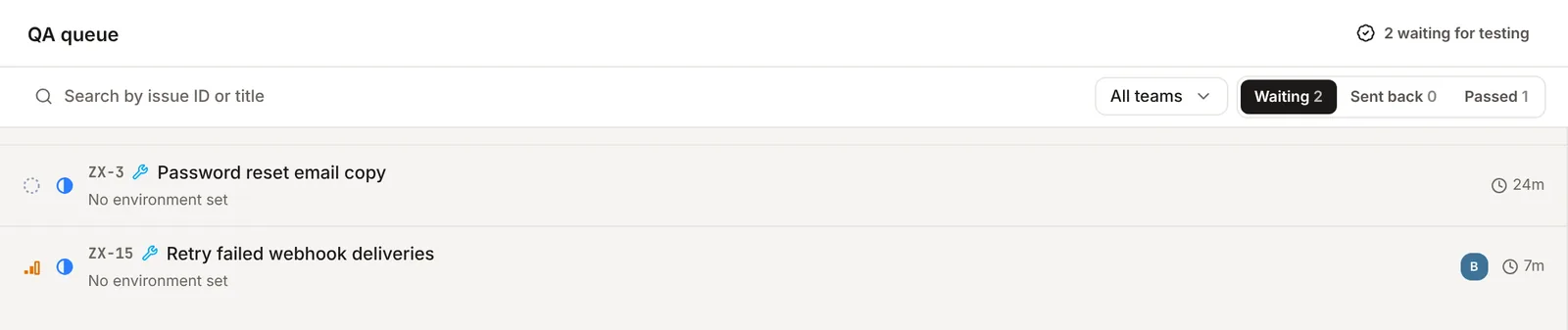
Testers work from a QA queue of what is waiting, sent back and passed. Engineers see what is ready to merge in My issues.
No. 3
Issue tracking that stays out of the way.
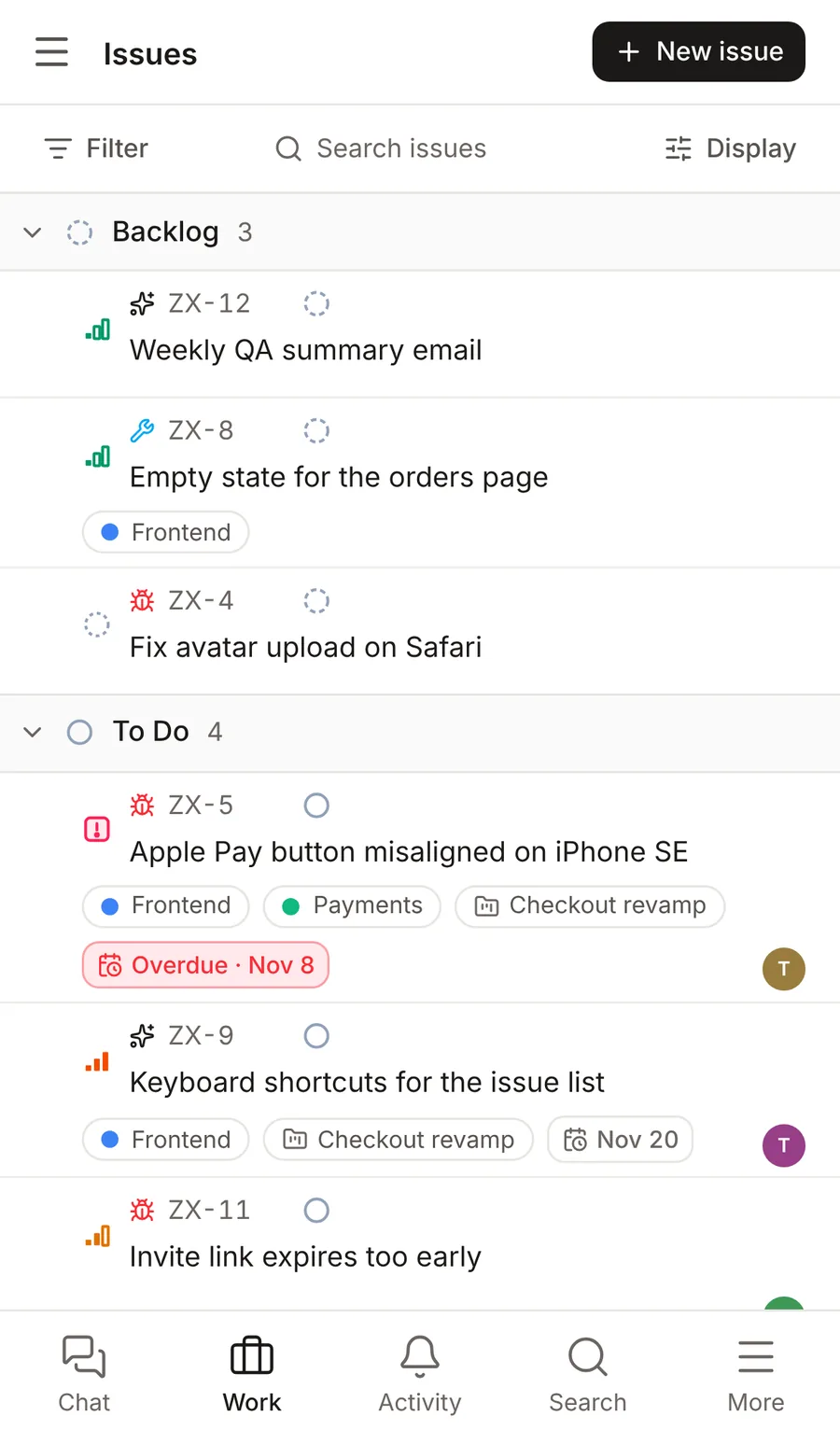
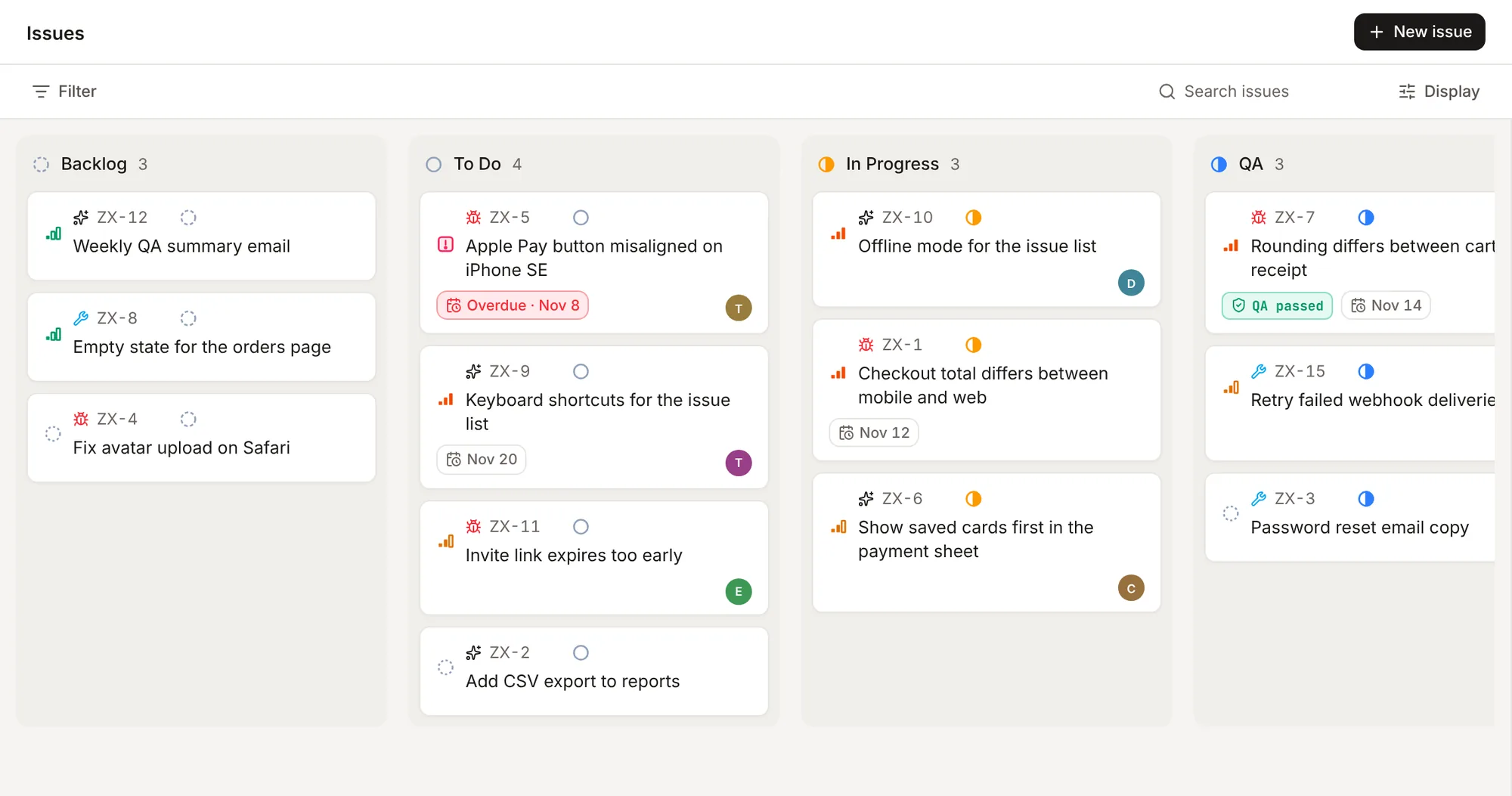
List, board, table, timeline and calendar views of the same issues. Group, filter and choose what each row shows from one Display menu, and each person's choice is remembered.
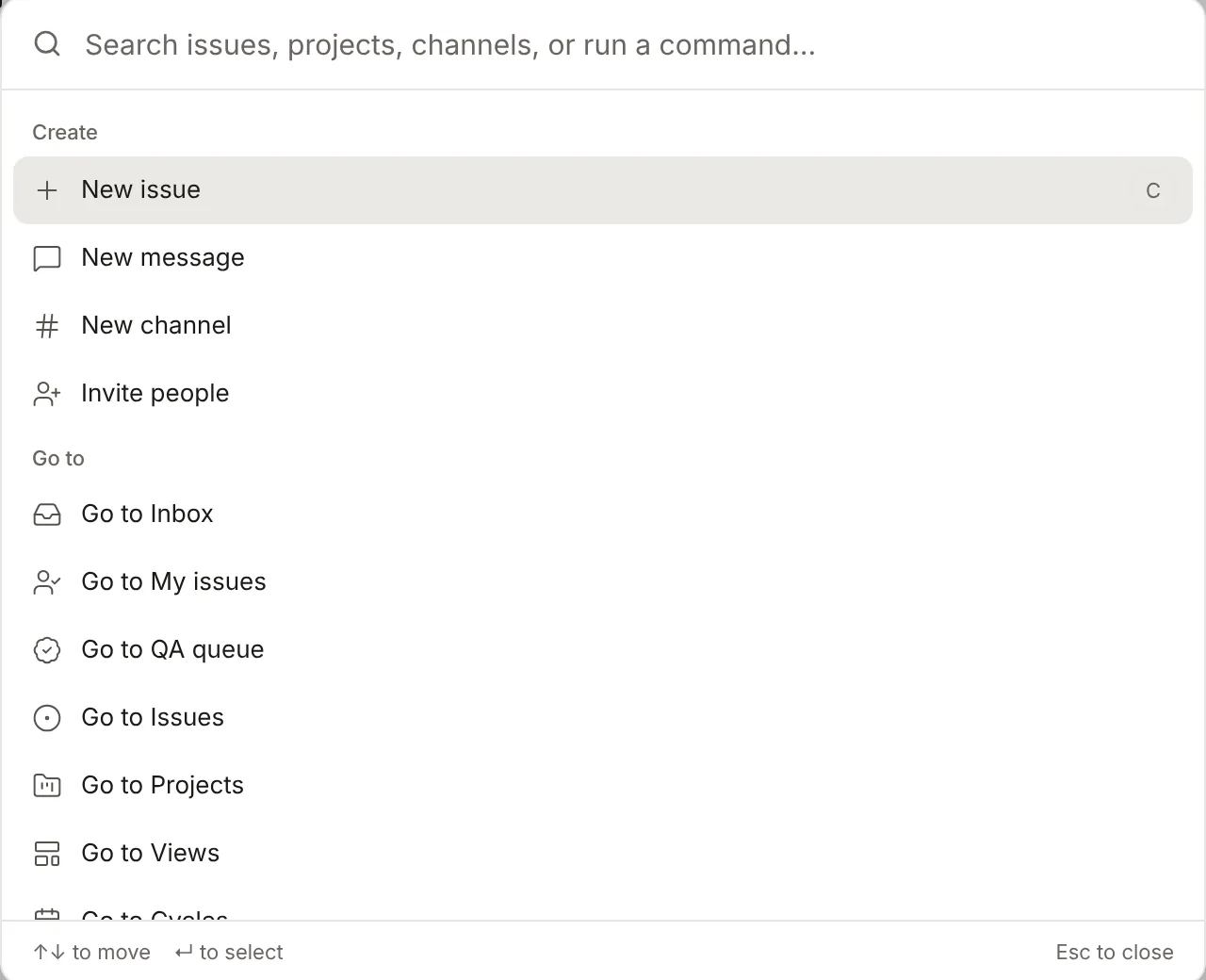
- CNew issue
- ⌘KCommand menu
- JKMove through the list
- SChange status
- AAssign
- XSelect
No. 4
Everyone opens to their own part of the work.
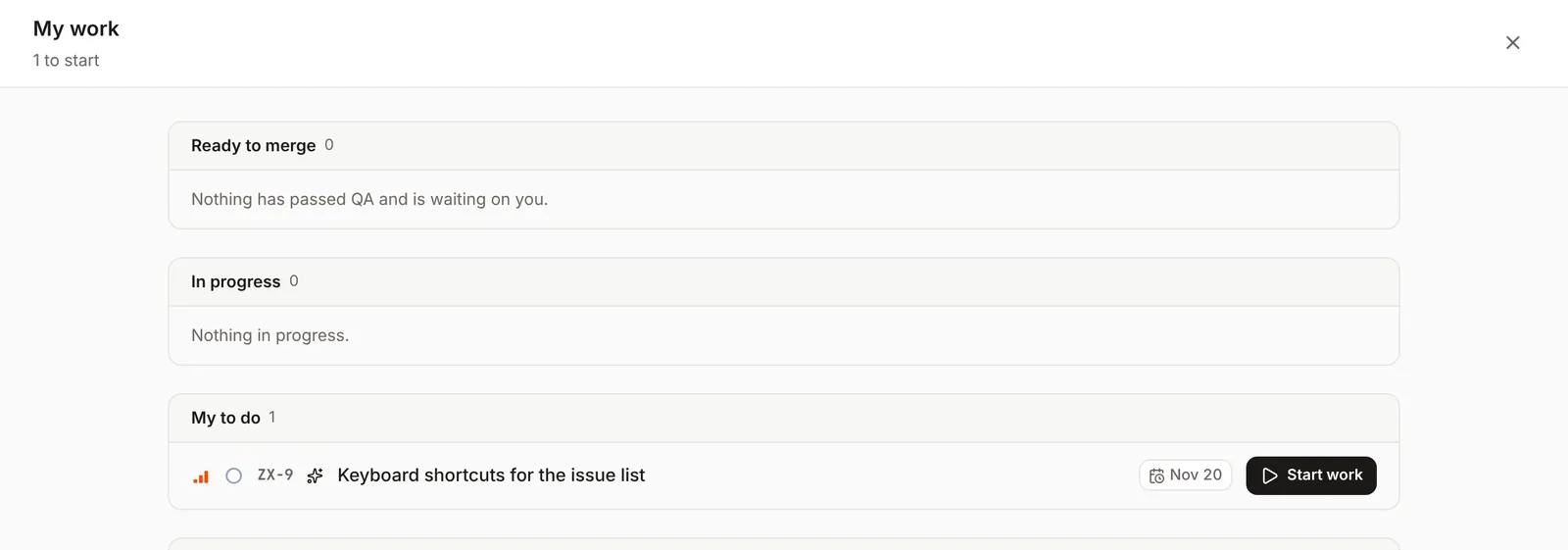
Engineers
My issues
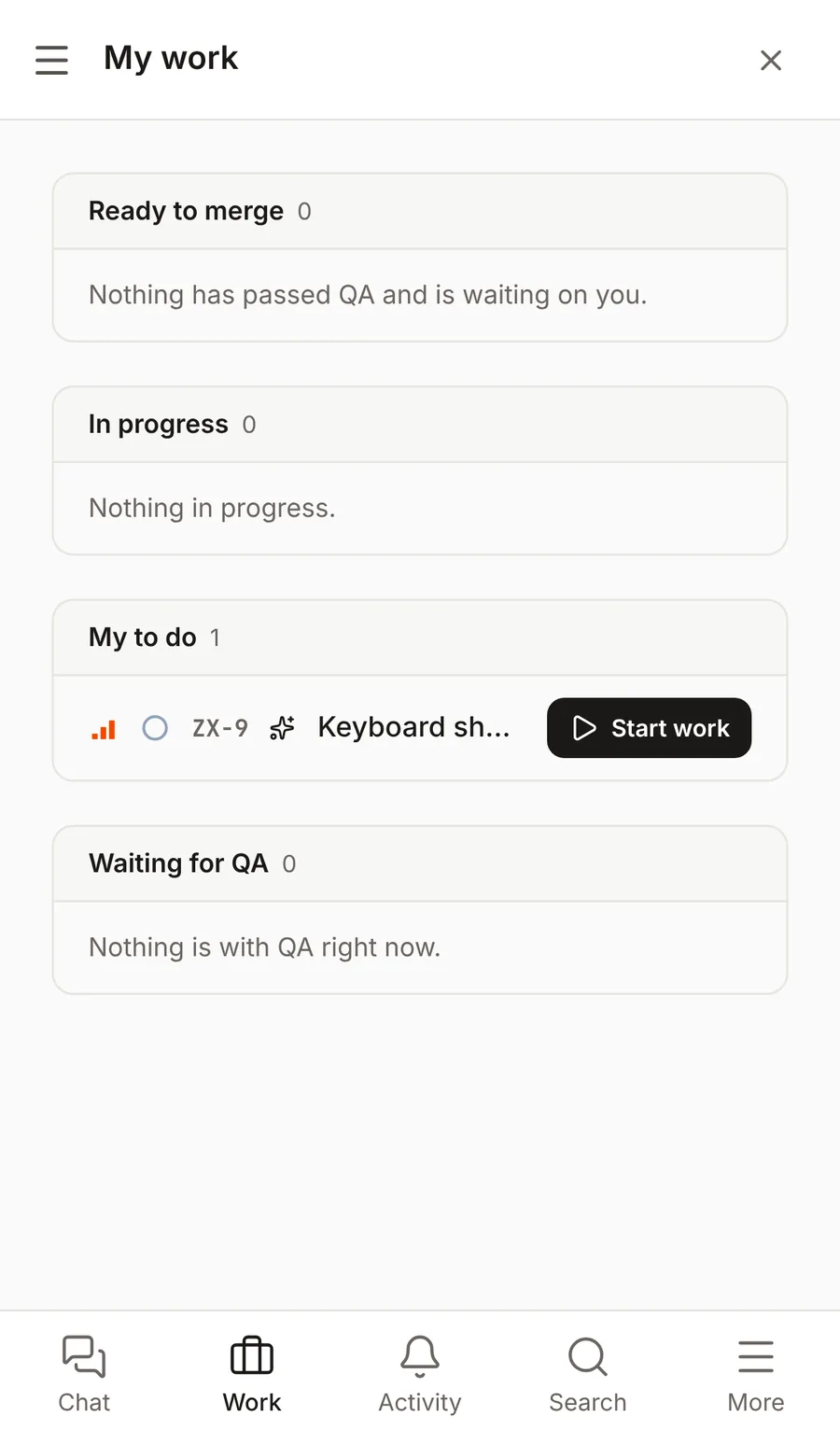
What has passed QA and is ready to merge, what is in progress, and what is next.
Testers
QA queue
Everything waiting for a test, what was sent back, and what has passed.
Leads
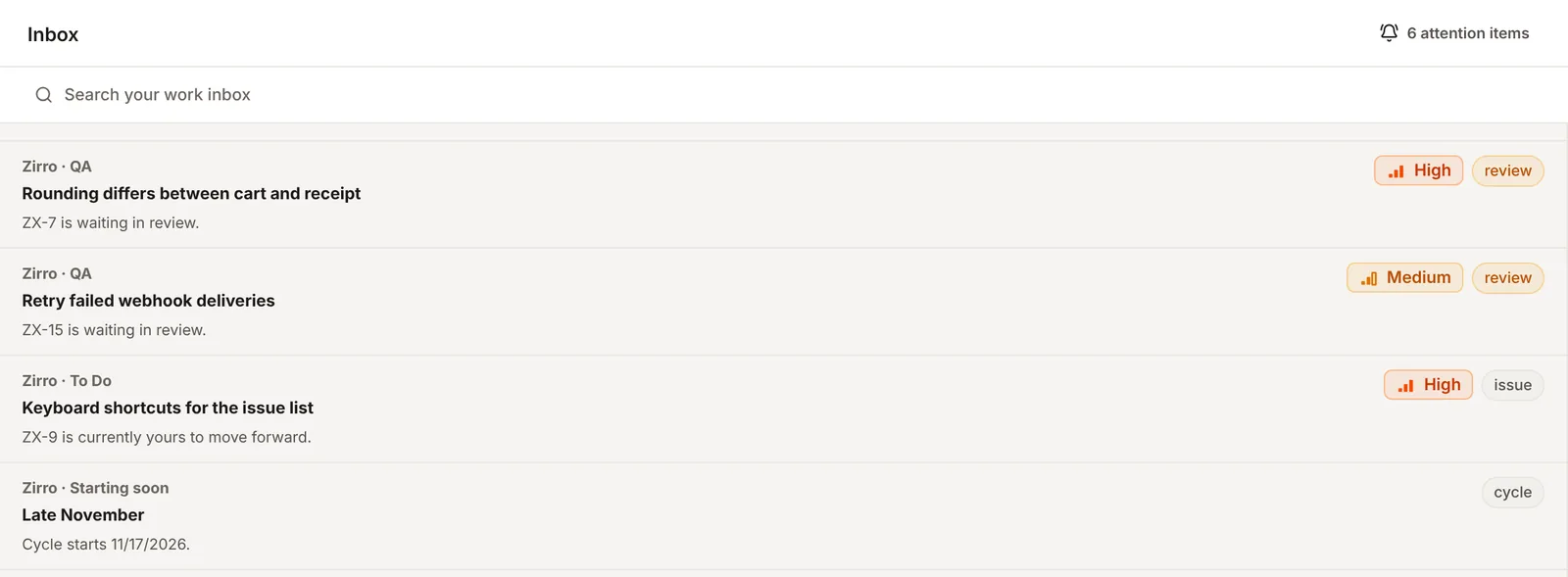
Inbox
Reviews, urgent issues and cycles that need a decision, in one list.
No. 5
On your phone, without an app store.
Open Yauwa in your phone's browser and add it to your home screen. It opens like an app, with tabs for chat, work and activity, long-press to select issues, and the last things you looked at stay readable with no connection.
iPhone
In Safari, tap Share, then Add to Home Screen.
Android
In Chrome, open the menu, then Install app.
The name
Yauwa
/jaʊ.wa/ · Hausa
In Hausa, yauwa is the yes you give without hesitating. It means agreement, and it means let's begin.
We carried the name from Kano because it is what a team should be able to say about its work: yes, it was discussed; yes, it was tested; yes, it can ship.
No. 6
Join the paid pilot.
We are bringing teams on a few at a time, so each one gets proper attention. Pricing depends on the size of your team. Tell us a little about it and we'll write back with the details.
- Set up with you, around how your team ships today
- A direct line to the people building Yauwa
- A say in what gets built next
Questions
Do we need to install anything?
No. Yauwa runs in the browser. On phones you can add it to the home screen so it opens like an app.
Can we use our own workflow?
Admins can adjust the workflow columns in Settings. The QA gate stays between QA and Merging, so a pass is always needed before work merges.
Does it work with GitHub?
Yes. Connect a repository and pull requests show up on the issues they belong to.
What does the pilot cost?
It depends on the size of your team. Request access and we will send the details.